Create Restriction Policy
Create Limit Policy
First, we will create a policy to limit maximum permissions. In this policy, we only allow users to have full rights on EC2 and on a specified Region.
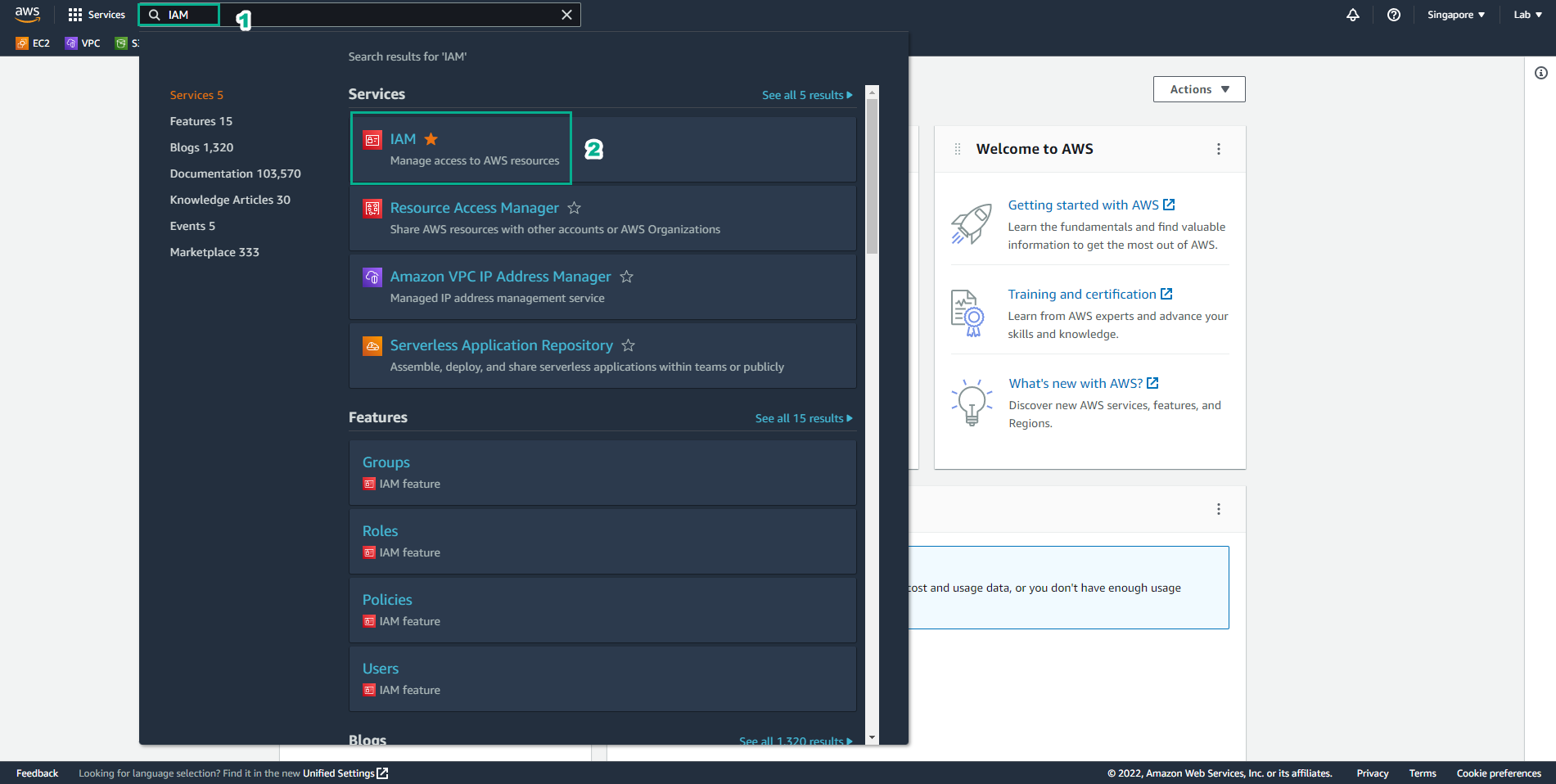
- Log in to IAM Management Console
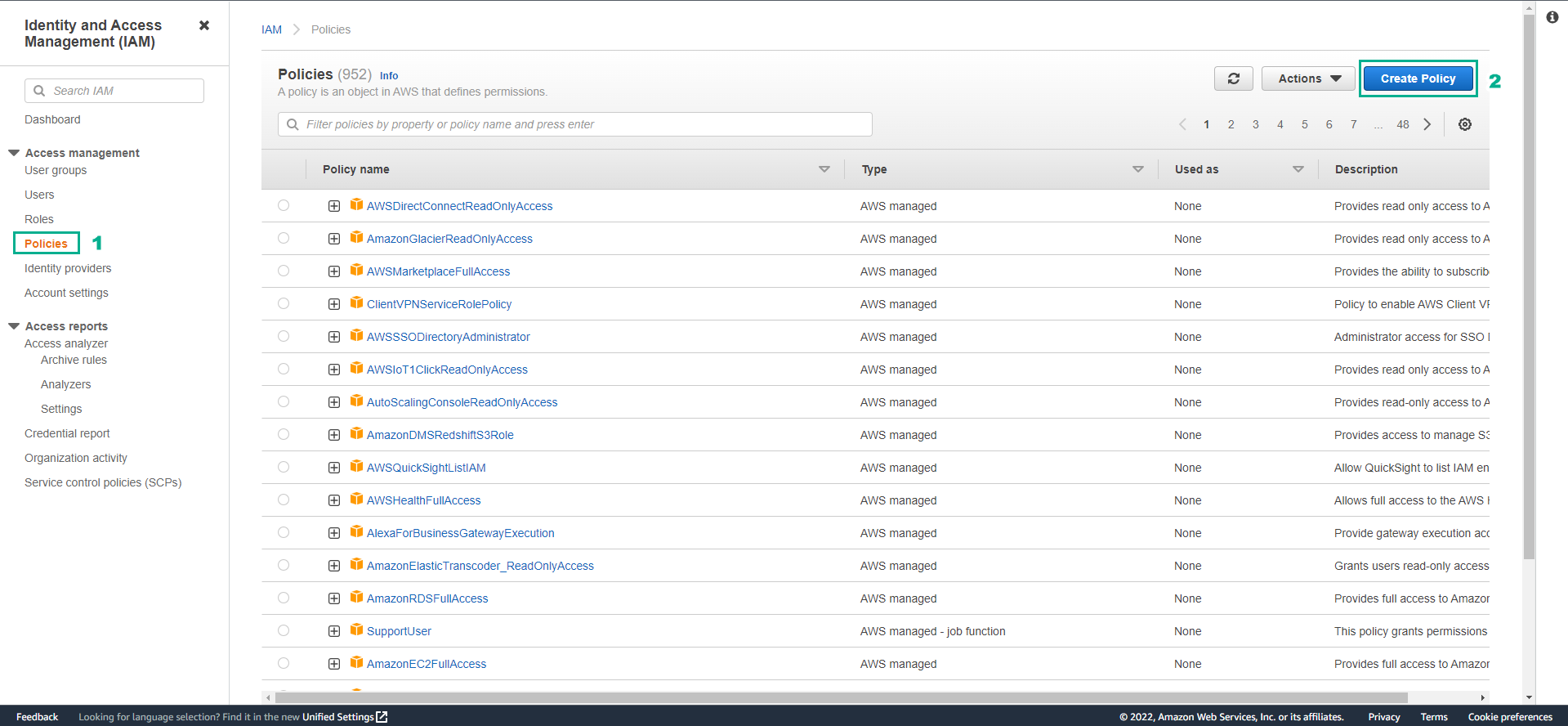
- In the left sidebar, select Policies and select Create Policy
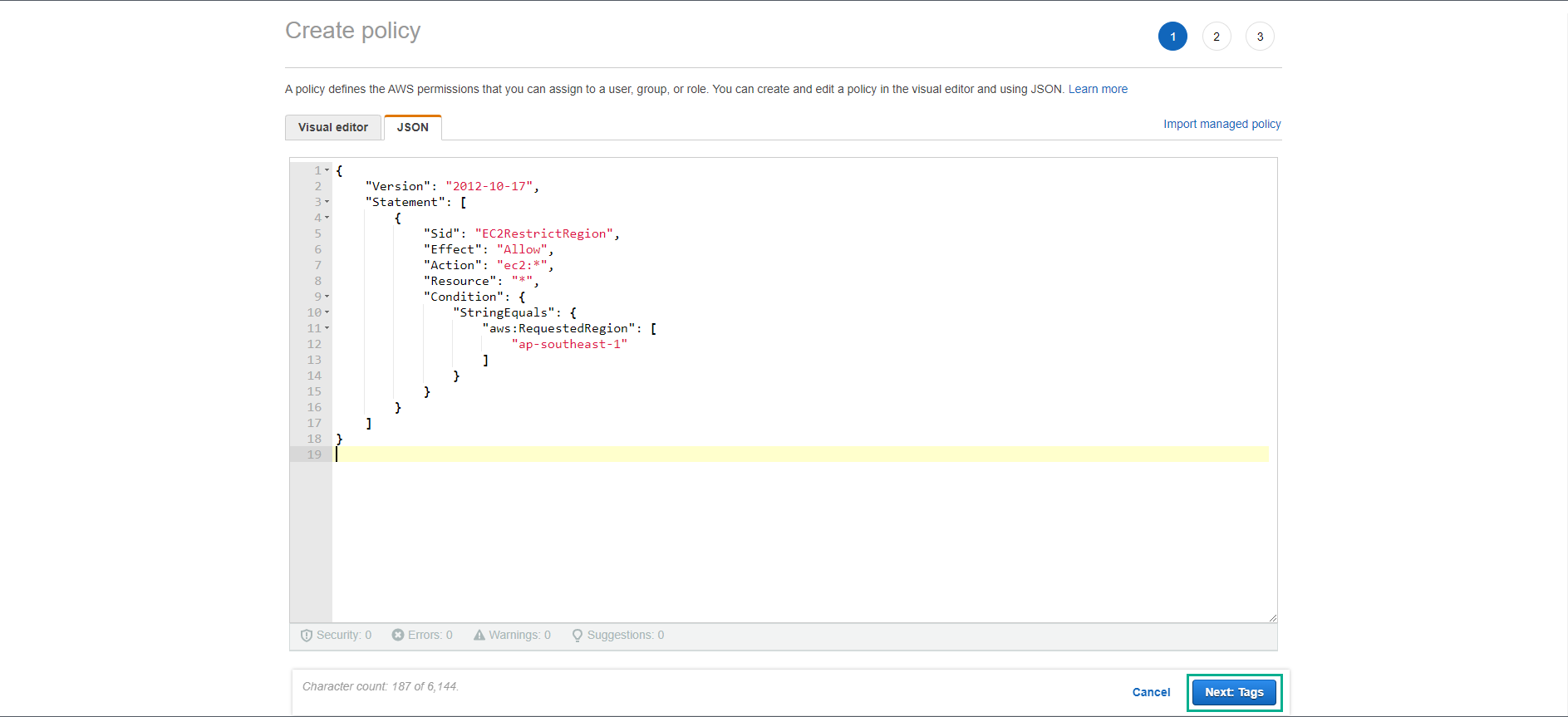
- In the Create policy page, select the JSON tab and copy the JSON below into the box. The JSON segment means that any action for all EC2 services from any resource is allowed provided that the EC2 service is in region ap-southeast-1 (Singapore).
{
    "Version": "2012-10-17",
    "Statement": [
        {
            "Sid": "EC2RestrictRegion",
            "Effect": "Allow",
            "Action": "ec2:*",
            "Resource": "*",
            "Condition": {
                "StringEquals": {
                    "aws:RequestedRegion": [
                        "ap-southeast-1"
                    ]
                }
            }
        }
    ]
}
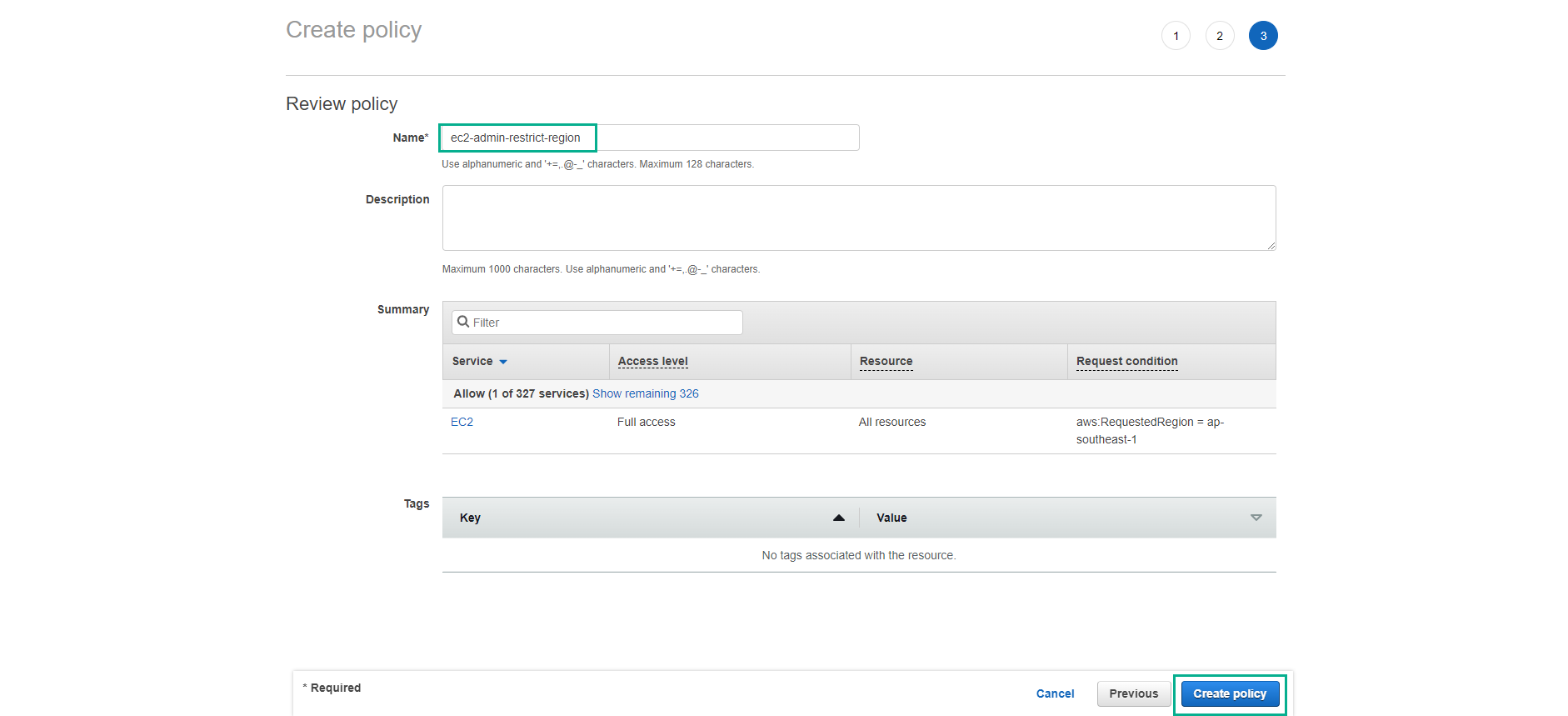
- Name the policy
ec2-admin-restrict-region. (Since we are only allowing User EC2 Admin to operate on Region Singapore ap-southeast-1.) Then select Create Policy.
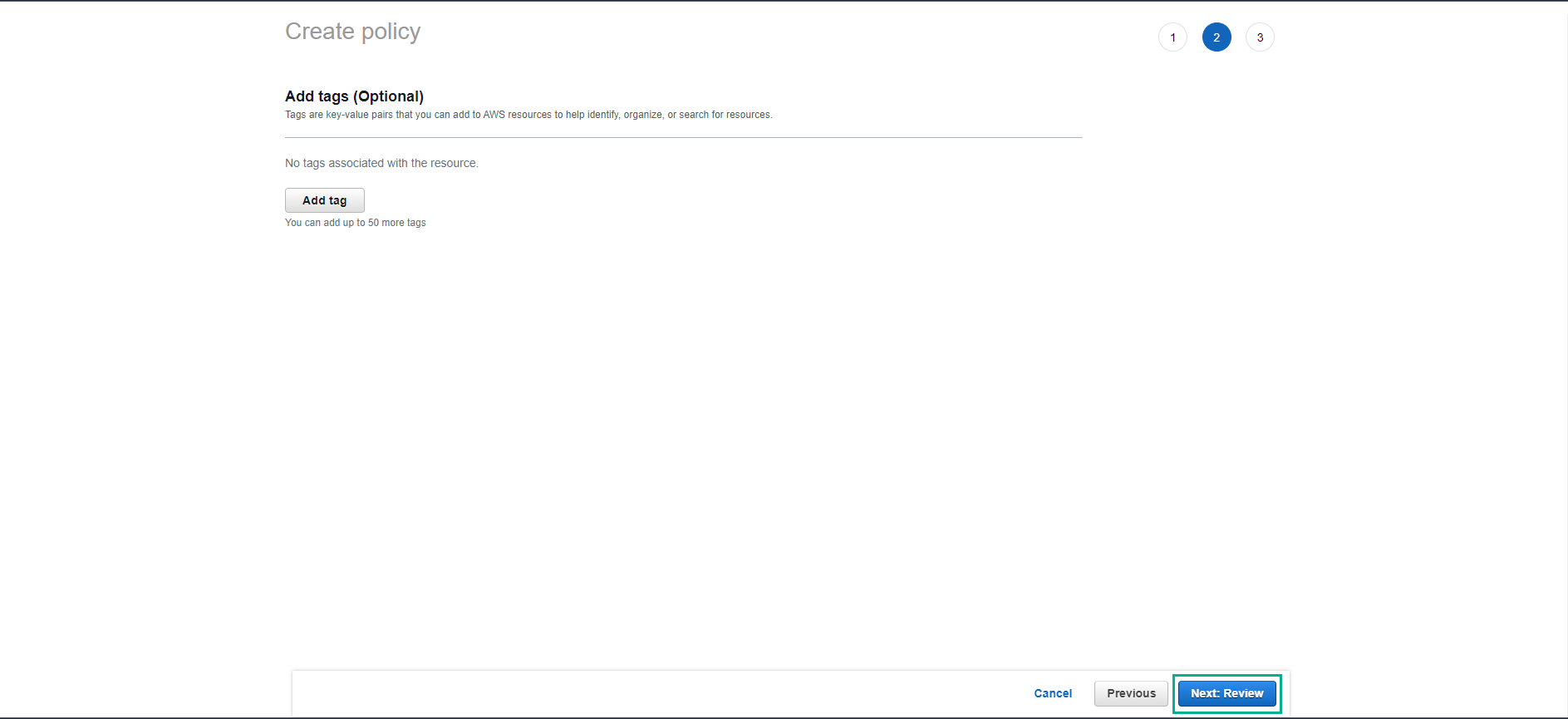
- Thus, we have finished creating the policy to limit the maximum permissions that an IAM user can have. In the next step, we will apply the policy we just created.